
Google Business Profile Optimization: Toronto 2026 Guide
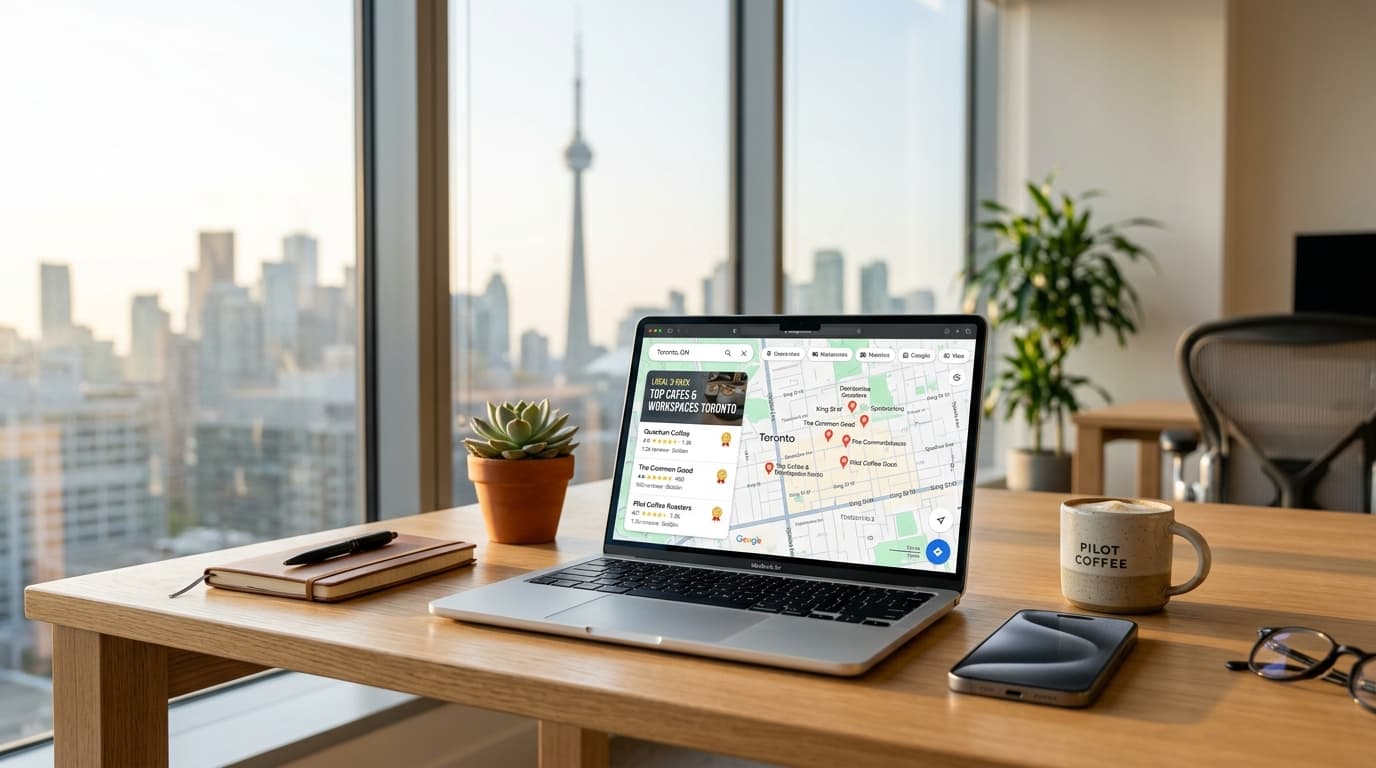
When a homeowner in North York types "emergency plumber near me" into Google, the three businesses that appear in the map pack are often decided before a single website gets visited. Google Business Profile optimization — the deliberate work of completing, correcting, and feeding your profile — is what puts a Toronto business in that pack and keeps it there.
We manage this for service businesses across Toronto and the GTA from our office at Finch and Keele, and the pattern is always the same: the profiles that win are not the biggest companies, they are the ones that never let the profile go stale. This guide covers exactly what to do, in order, with a 30-minute audit you can run today.
Quick answer: Google Business Profile optimization means completing every field accurately, choosing the most specific categories, listing your services, adding fresh photos and weekly posts, and collecting reviews continuously. Those signals feed the three factors Google says decide local rankings: relevance, distance, and prominence.
Why your Google Business Profile decides the map pack
Google's own guidance on how local results are ranked names three factors: relevance (how well the profile matches the search), distance (how close you are to the searcher), and prominence (how well-known and well-reviewed the business is). You cannot move your office closer to every customer, but you can heavily influence relevance and prominence — and that is what profile optimization is.
For most Toronto service businesses, the profile earns more views than the homepage. It carries your reviews, photos, hours, and phone number into the search results themselves. A weak profile does not just rank lower; it converts worse even when it does appear, because customers compare the three map-pack businesses side by side before they ever click.
Your website still matters — the profile sends people there, and a slow or dated site wastes the click. Our web design and development services exist for that half of the equation; this article is about the other half.
Step 1: Claim and verify your profile
If you have not claimed your profile yet, this section is your first afternoon's work. Everything else in this guide depends on having full control.
- Go to google.com/business and sign in with a Google account your business controls long-term — not a personal Gmail that a former employee might take with them.
- Search for your business name and address. If a profile already exists (Google often creates them from directory data), claim it; if not, create it fresh.
- Enter your exact business name. Do not append keywords — "Rafi Electric — Best Toronto Electrician" is a suspension risk, not a ranking trick.
- Choose your primary category as specifically as possible. "Electrician" beats "Home services"; "Sushi restaurant" beats "Restaurant".
- Add your address or, for businesses that serve customers at their location, define a service area instead — more on that below.
- Submit verification. Depending on your category and location, Google offers several verification options including video, phone, email, and postcard. Video verification is now the most common for Canadian service businesses; have your street signage, business documents, and workspace ready to film.
- Once verified, add secondary categories, your services, hours, and a description — the fields covered next.
The five fields that carry the most weight
Hundreds of profile fields exist; a handful do most of the ranking and conversion work.
Business name. Exact real-world name only. Keyword-stuffed names violate Google's guidelines, and any competitor can suggest an edit that reverts you.
Categories. The primary category is one of the strongest relevance signals. If you do HVAC and plumbing, choose the one that drives the most revenue as primary and list the other as secondary — then mirror both in your services list.
Services and description. Spell out every service you want calls for, with short descriptions. These feed profile search matching: "furnace repair" as a listed service helps you surface for furnace repair searches in Etobicoke or Scarborough, not just generic HVAC terms.
Hours. Keep regular and holiday hours current. Showing "open" when you are closed is the fastest way to earn one-star reviews from people who drove across the city.
Photos. Real work photos outperform stock images by a wide margin. Upload completed jobs, your team, your storefront or trucks, and refresh monthly. Profiles with recent photos earn more direction requests and calls — and photo recency is an easy freshness signal to maintain.
The Finch & Keele Profile Audit: our 30-minute tune-up
This is the exact checklist we run when a Toronto client hands us a neglected profile. Set a timer; it takes half an hour.
- Name check — matches the website and signage exactly, no keywords appended.
- Category check — primary is the most specific category that matches the core service.
- NAP match — name, address, and phone identical, character for character, to the website footer and key directories.
- Services complete — every money-making service listed with a one-line description.
- Hours accurate — including holiday hours for the next 60 days.
- Ten fresh photos — jobs, team, location; at least one added in the last month.
- Review count vs. competitors — search your main keyword, open the top three profiles, and compare review counts. That gap is your 90-day target.
- Review responses — every review, including the bad ones, has an owner reply within days.
- A post from the last seven days — an update, offer, or completed job.
- Q&A seeded — you have asked and answered your own three most common customer questions.
Score it out of ten. Anything under seven is fixable this week, and each fix is a ranking or conversion improvement — none of it is cosmetic.
Reviews: the ranking signal you fully control
Review count, recency, and owner responses all feed prominence, and prominence is the factor where most small businesses can genuinely outwork bigger competitors. According to BrightLocal's Local Consumer Review Survey, the overwhelming majority of consumers read online reviews for local businesses before choosing one — and they read them right inside your profile, next to your competitors'.
Three rules we give every client:
- Ask at the moment of completion. The day the job is done, not two weeks later. Send your direct review link by text; every extra click you add costs you reviews.
- Reply to everything. A calm, specific reply to a bad review convinces the next twenty readers more than the review itself hurts.
- Never buy or gate reviews. Purchased reviews and "only show happy customers" funnels violate Google's policies and risk the profile you spent months building.
Freshness: posts, photos, and Q&A
A profile that has not been touched in six months quietly loses ground. The maintenance cadence that works for Toronto service businesses is simple: one post a week (an offer, a finished job, a seasonal note), a handful of new photos a month, and questions in the Q&A section answered within a day or two — including the ones you seed yourself, because anyone can ask and anyone can answer. Leaving Q&A empty means a stranger controls that part of your listing.
Common mistakes we see on Toronto profiles
- Keyword-stuffed business names — the single most common suspension trigger.
- NAP inconsistency — "Unit 4" on the profile, "Suite 4" on the website, an old 647 number in a directory. Google cross-checks; pick one canonical version everywhere.
- Wrong map pin or service area — the pin dropped in a plaza instead of the actual unit, or a service area set to all of Ontario when you really work within Toronto and the GTA.
- Profile owned by a departed employee's Gmail — recover access before you need it.
- Duplicate listings — old locations and renamed businesses linger; claim, merge, or mark closed as needed.
How to know whether it is working
Profile performance is measurable, so optimization never has to be guesswork. In the profile's performance insights, watch three numbers monthly:
- Calls and direction requests — the actions that turn into jobs. Compare month over month, and expect a lag of four to eight weeks after major profile changes.
- Search queries — the exact phrases people used to find you. These are free keyword research; mine them for your website's service pages.
- Website clicks — whether the profile is sending traffic your way, and to which page.
Benchmark before you start: screenshot this month's numbers on day one. Impressions in Google Search Console for branded searches rising alongside profile views is the honest signal that prominence is compounding.
What optimization cannot fix
A profile feeds calls and visits, but it cannot rescue a website that loads slowly on mobile data or buries the phone number. Local SEO compounds when the profile, the website, and your review process all tell Google the same story. If you want the whole system handled — profile, site, reviews, and reporting — that is exactly what our local SEO services in Toronto cover, and you can see typical costs in Canadian dollars on our pricing page before you ever call. If you would rather talk it through first, book a free consultation and we will audit your profile with you.
Frequently Asked Questions
Is Google Business Profile free?
Yes. The profile itself is free, including posts, photos, Q&A, and insights. You only pay if you choose to run Google Ads or hire someone to manage the profile for you.
How long does Google Business Profile verification take in Canada?
It depends on the method. Video verification is often reviewed within a few business days, while phone and email are faster when offered. Postcard verification, where it is still used, takes one to two weeks including mail time.
Can I hide my address on my Google Business Profile?
Yes. Service-area businesses — trades, cleaners, mobile services — can hide their street address and define the areas they serve instead, down to specific cities or postal codes across Toronto and the GTA.
How often should I post on my Google Business Profile?
Weekly. One update a week — an offer, a finished job, or a seasonal note — signals an active, operating business without becoming a burden.
Why was my Google Business Profile suspended?
Common causes include a keyword-stuffed business name, a mismatched address, or other content guideline violations. Fix the underlying issue first, then appeal through Google's reinstatement form with documentation — appeals against an unfixed problem are routinely rejected.
Get Your Free Website & SEO Audit
We inspect your mobile speed, missing local schema markup, and the top 3 competitors outranking you on Google Maps. No sales pressure — just actionable fixes.
About the Author — Digitex Crew
This article was written by the Digitex Crew team — a small, local group of marketers, web designers, developers, and video editors based at 1315 Finch Ave W in North York, Toronto. We serve small businesses across the GTA, including Toronto, Scarborough, Etobicoke, Mississauga, Vaughan, and Markham, and every post on this blog is researched and written by the same people who plan SEO campaigns, build websites, edit videos, and manage social accounts for our clients — not by outside ghostwriters.
When you read advice here, it comes from hands-on work with real local businesses, and it is explained the way we would over coffee: in plain language, with no jargon and no hype. If you are in North York or anywhere else in the GTA, you are welcome to stop by the office or book a call — you will always reach a real person, not a call centre.
Work With Us
If this article raised questions about your own website, search rankings, or social media, we would be glad to help. Here is what we do for small businesses across the GTA:
- Website design & development — WordPress, custom builds, and eCommerce stores that load fast and turn visitors into customers.
- SEO & local SEO — rank in Google and in AI answer engines for the searches your customers actually make in your area.
- Social media marketing — consistent, on-brand content without the daily scramble of posting yourself.
- Video editing & our TikTok Creator Network — polished short-form video that gets attention and builds trust.
We quote everything in Canadian dollars, we never lock clients into long contracts, and you always talk directly to the person doing the work. Explore our services to see what fits, or contact us for a free, no-pressure consultation.
Keep Reading
This post is one of several guides we maintain for Toronto and GTA business owners. If you are working through a specific problem — a website that is not converting, a Google Business Profile that is not showing up in the map pack, or a social channel that is not growing — the rest of our blog covers each of those in the same plain-language, numbers-first style.
Two ways to continue: browse the full blog archive for every guide we have published, or start with our services — the services overview explains what each engagement includes and what it typically costs in Canadian dollars, so you can match the reading to a concrete next step for your business.
If you found this guide useful, the quickest way to apply it is a short conversation. Tell us which post brought you here and what situation you are dealing with — we will point you to the next right step, even if that step does not involve hiring us.
A quick note on how we run this blog: we publish these articles to help small-business owners across Toronto and the GTA understand digital marketing in plain language — what works, what is hype, and where to start. Everything we write reflects how we actually work with clients: honest timelines, realistic budgets, and advice we would happily give a friend who owns a business. If a topic here ever prompts a question, reach out at contact.digitexcrew@gmail.com or +1 709-600-9358 — a short conversation is usually the fastest way to get clarity.